/filters:quality(90)/fit-in/970x750/coros-web-faq/upload/images/1ee4c1264013987ac64fa805d8e9b66e.png)
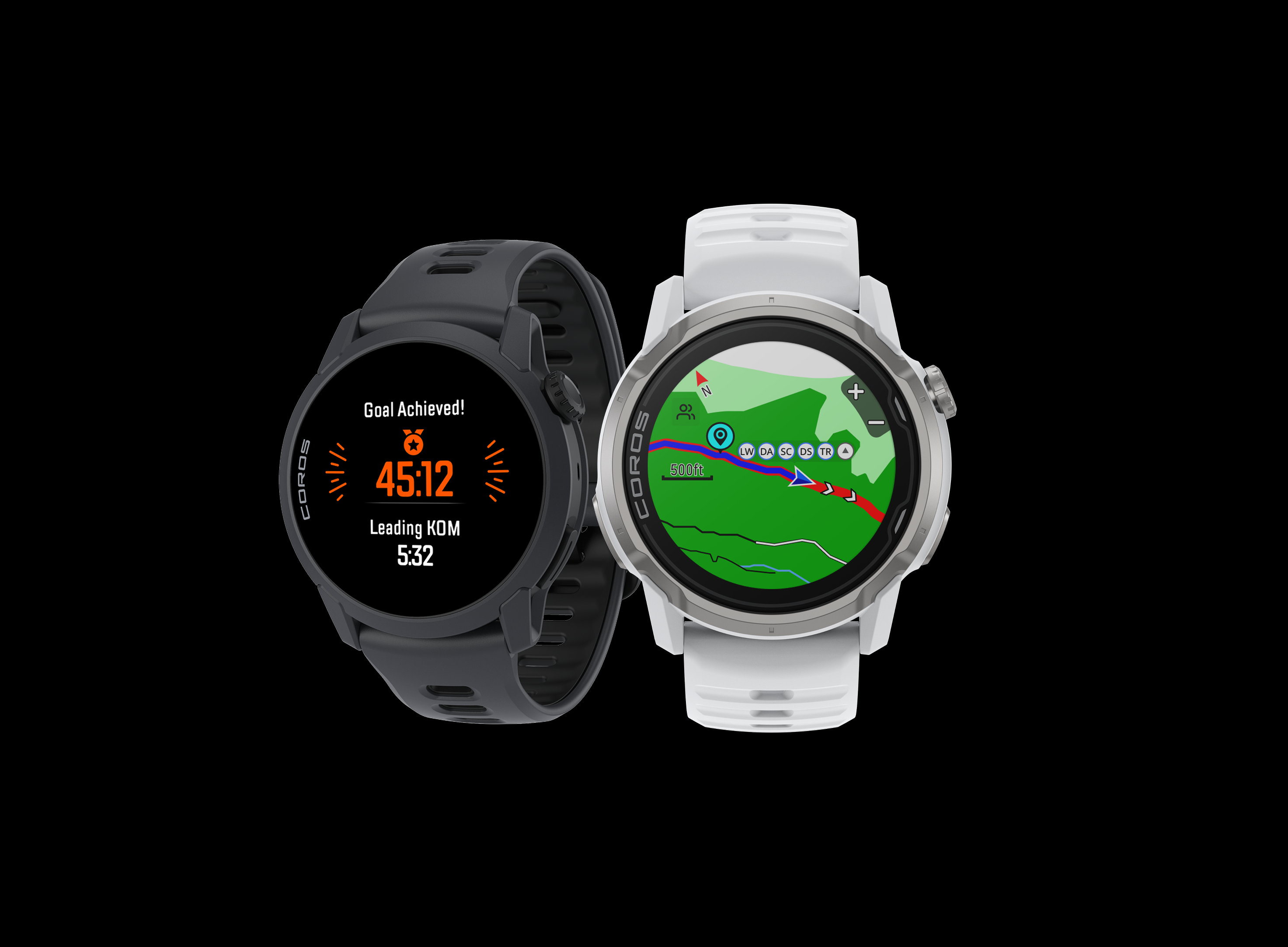
2025 brought a wave of new tools designed to help you train smarter, stay safer, and explore with confidence. We released over 30 new features this year, but here are the ones our athletes loved most.
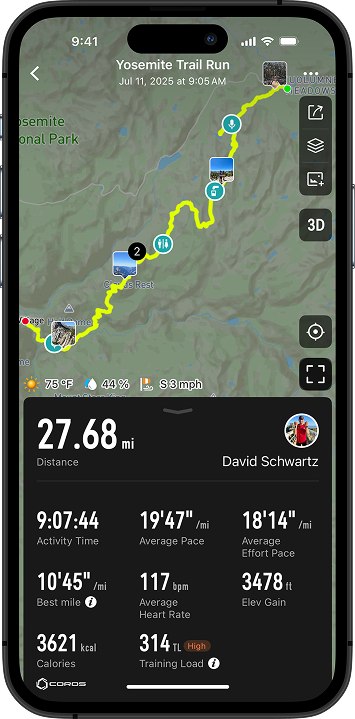
Adventure Journal
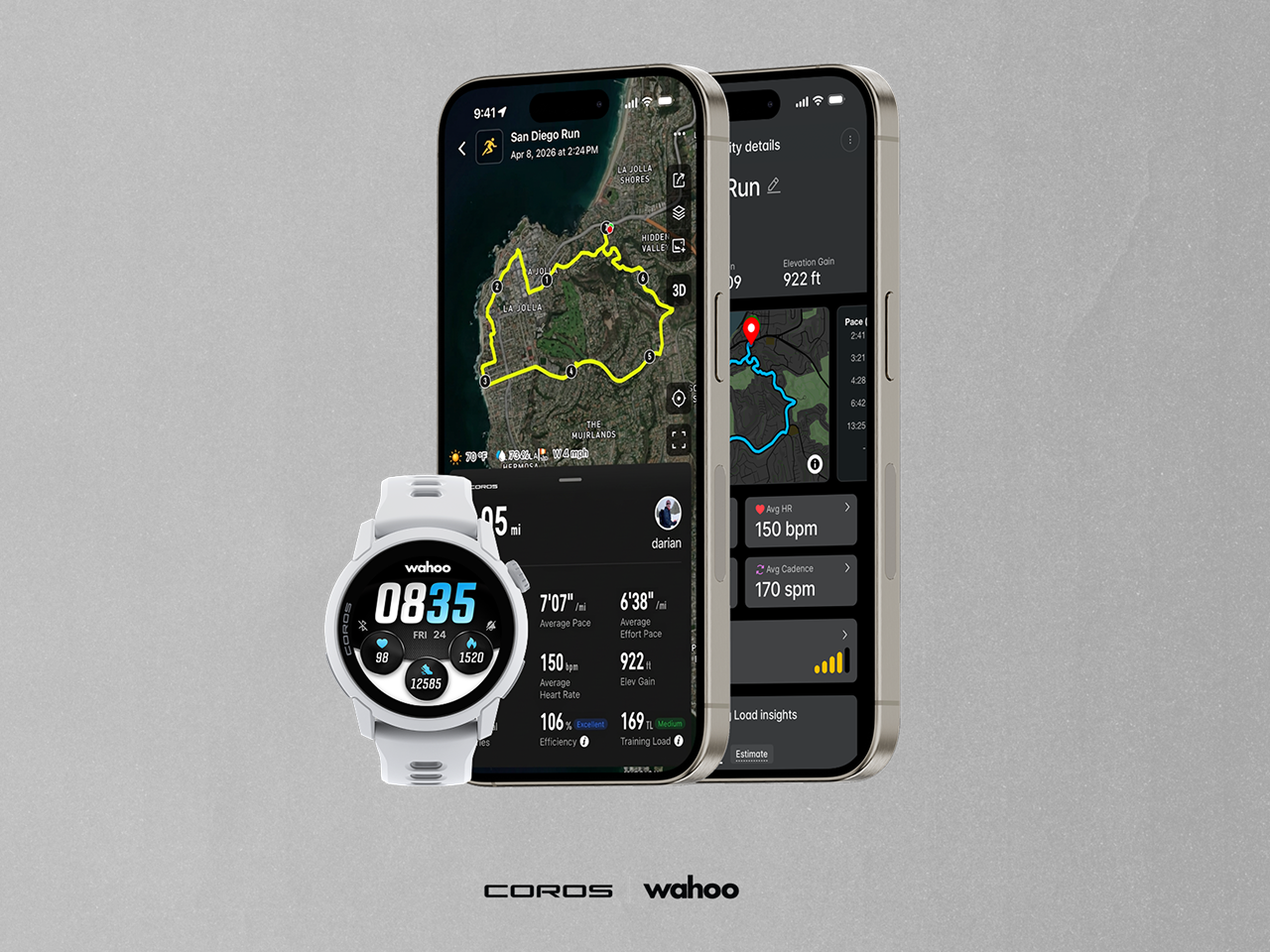
Your adventures are more than just data. Capture photos, videos, and voice pins, all tagged directly to your route in the activity summary so you remember where you were, what you saw, and how you felt during your most meaningful adventures.
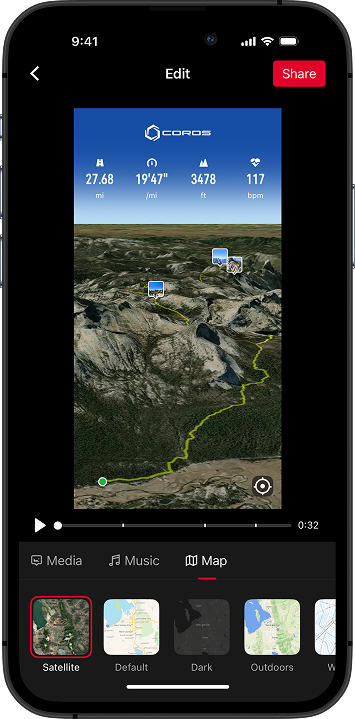
3D Flyover
See your activities unfold in a whole new dimension. 3D Flyover transforms your GPS data into an immersive experience, so you can view your entire route from above to put the activity into a new perspective. View photos and videos captured along the way and share with friends and family so they can feel like they were there with you.
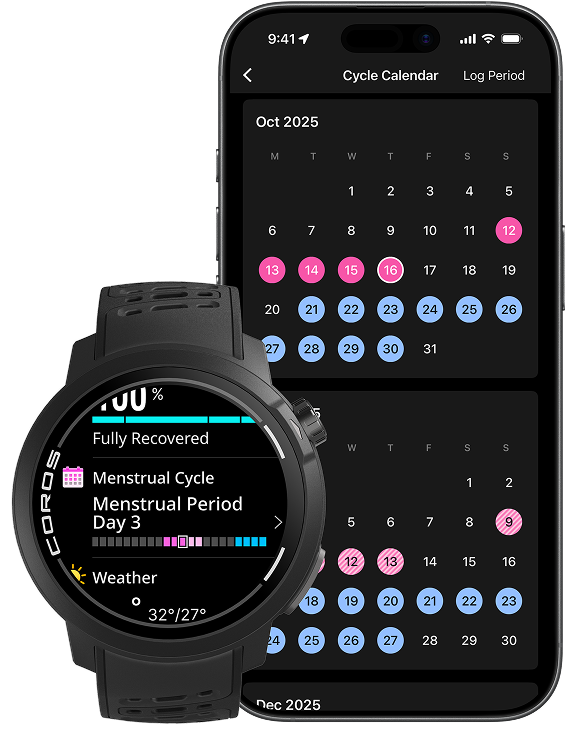
Menstrual Cycle Tracking
Your cycle plays a key role in how you train and recover. Now, your COROS helps you plan smarter—track symptoms, understand patterns, and view predictions for your next six cycles, all from your watch and app. View your logged and predicted periods directly on your COROS training calendar, allowing you to schedule your sessions at the optimal times for your personal cycle.
Media Controls
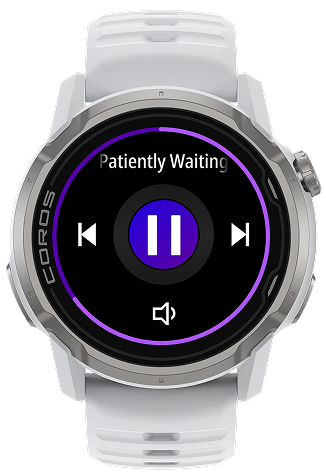
Sometimes the right track is all you need to find your rhythm. You can now pause, play, and skip the audio that your phone is playing directly from your COROS watch.
Open Media Control from your Toolbox (press-and-hold the Back button), to control your music or podcasts during and outside of workouts.
When tracking an activity on PACE 4, APEX 4, and NOMAD, simply swipe to the side or press the Action Button to access these controls when you need them via the Switch View shortcut (other models must access them via the Toolbox during activity tracking).
Environments
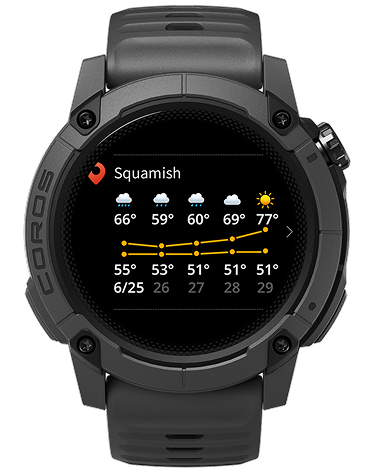
Save up to five locations in the COROS app to check tides, sun and moon positions, temperature, and forecast before your activities that will automatically sync to your watch. You can also add weather and other environmental condition pages to your activity data screens for quick updates while you're out on the move.
Flashlight
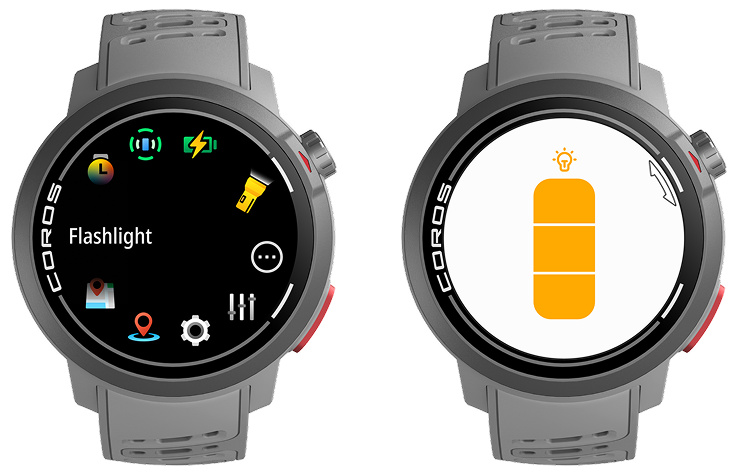
Use your watch as a flashlight to help guide your way, whether you're out camping under the stars or want a less harsh way to navigate around your home at night. Access flashlight mode from the toolbox, or set it as a shortcut for quick access.
Activity Cropping
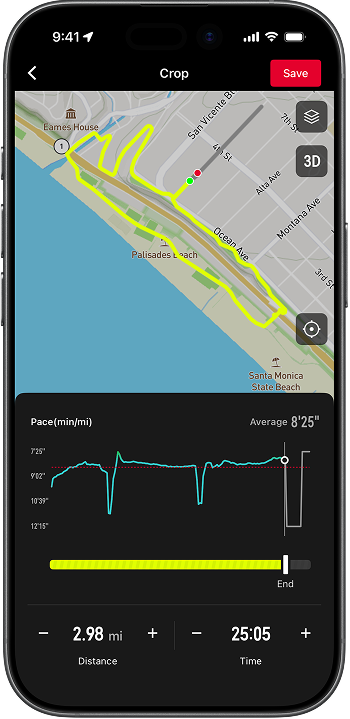
Forgot to stop your activity after a run or ride? We’ve all been there.
You can now trim your activities directly in the COROS app by selecting "Crop" in the upper right hand corner of your activity summary, then use the slider to locate exactly where your workout ended and trim off the rest, to keep your stats clean and your results accurate.
Voice Alerts
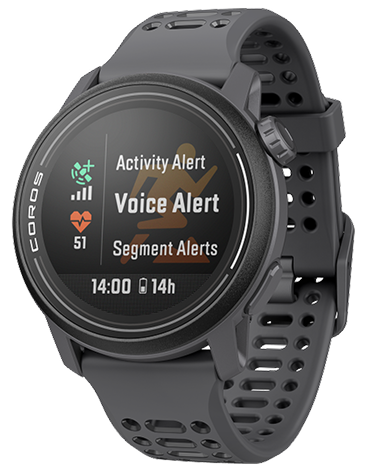
Receive real-time voice alerts and audio updates during activities, so you can remain focused on your workout. The voice alert feature will broadcast activity alerts, laps, workout details, turn alerts, and more.
Either pair your headphones with your COROS watch or your smartphone (required for DURA), or receive voice alerts from your phone's speakers instead - ideal for indoor activities or situations where headphones are unavailable. Please ensure the COROS app is open and running in the background in order to play voice alerts from your phone.
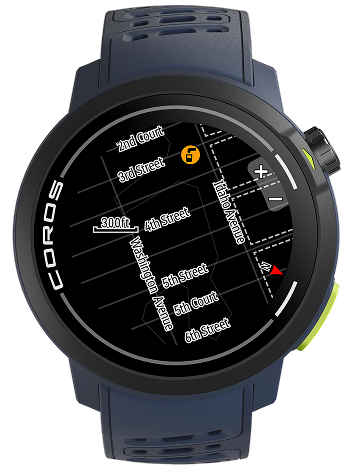
Street and Trail names
On NOMAD, PACE Pro, and APEX 4, street and trail names appear directly on your device, ensuring you always know the way forward. Plus, essential Points of Interest (POIs) can also be seen on your maps, providing crucial context for any region globally.
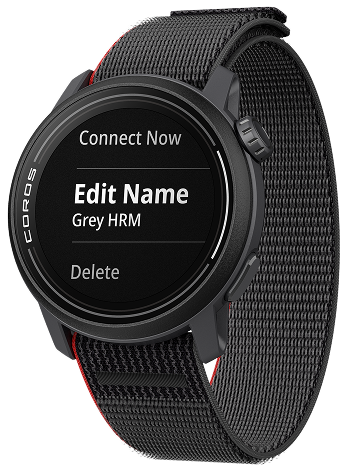
Custom Accessory Names
With multiple accessories and sensors paired to your COROS device, it can be difficult to remember which device ID is associated with each sensor. You can now add names to all of your accessories and sensors to quickly find the exact device you're looking for.
We're looking forward to another year of exciting feature updates to bring to you. Expect more great things to come in 2026!